 Maester
CrowdStrike Falcon Maester pack
by Alweys C//oud: ensure that your cloud is always oriented the right way.
A Maester Pack that checks the policies of a CrowdStrike Falcon tenant. It reads the Falcon API with a read-only API client through the PSFalcon module and changes nothing.
Not made by or affiliated with CrowdStrike.
Try it
Install-MtPack weyCC81/ch.alweys.maester-pack-wey/crowdstrike
In the Falcon console, create an API client under Support and resources > API clients and keys with Read
on Prevention policies and Sensor update policies, and nothing else. Then connect and run, with the cloud
of your CID (us-1, us-2, eu-1, us-gov-1 or us-gov-2):
Connect-Maester -Service WEY.FALCON.Api -ServiceSetting @{ ClientId = '<client id>'; ClientSecret = (Read-Host -AsSecureString 'Falcon client secret'); Cloud = 'eu-1' }

# A child CID in Flight Control (multi-CID)
Connect-Maester -Service WEY.FALCON.Api -ServiceSetting @{ ClientId = '<client id>'; ClientSecret = (Read-Host -AsSecureString 'Falcon client secret'); Cloud = 'us-1'; MemberCid = '<child CID>' }

Invoke-Maester -Pack WEY.FALCON -SkipBuiltIn
For unattended runs, set MAESTER_WEY_FALCON_API_CLIENTID, MAESTER_WEY_FALCON_API_CLIENTSECRET and
MAESTER_WEY_FALCON_API_CLOUD (and MAESTER_WEY_FALCON_API_MEMBERCID for a child CID). Keep the secret out of
maester-config.json. Without a connection the tests are skipped; a test whose scope the API client lacks is
skipped and names the scope.
Tests
| ID | What it checks |
|---|---|
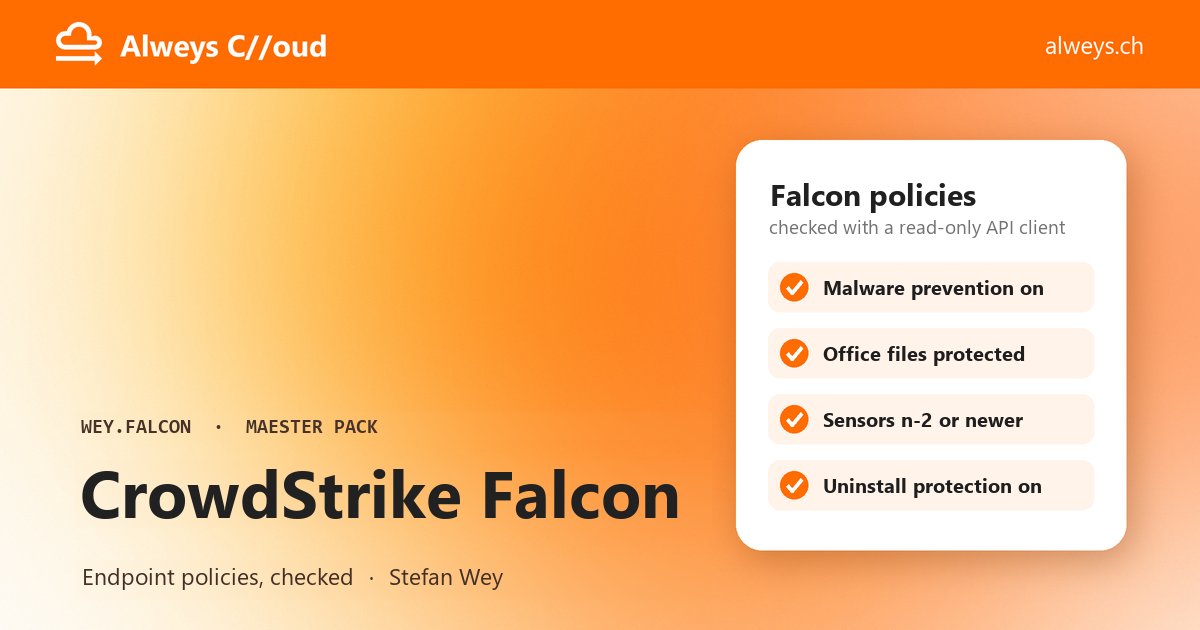
| MP.WEY.FALCON.1001 | Prevention policies block malware, not only detect it. One result per enabled prevention policy: Cloud-based anti-malware, Cloud anti-malware for Microsoft Office files and Sensor-based anti-malware prevent at Moderate or higher |
| MP.WEY.FALCON.1002 | Sensor update policies keep the sensor up to date and uninstall-protected. One result per enabled sensor update policy: sensor version updates are on, at n-2 or newer (automatic or pinned), and uninstall protection is on (Windows and Mac) |
Not checked: Show Falcon icon. It is a setting of the separate System tray policies
(/policies/system-tray in the console), which neither the Falcon API reference nor PSFalcon 2.2.9 offers to read.
Change the settings in your maester-config.json, or leave out a policy:
{
  "TestSettings": [
    { "Id": "MP.WEY.FALCON.1001", "Parameters": { "MinimumPreventionLevel": "AGGRESSIVE" } },
    { "Id": "MP.WEY.FALCON.1002", "Parameters": { "MaximumReleasesBehind": 1 } }
  ]
}
What the pack reaches
Uses in maester-pack.json declares it, and Install-MtPack shows it before installing:
- Service:
WEY.FALCON.Api, the pack's own connector (connector/Connect-WeyFalcon.ps1). - Module: PSFalcon 2.2.9 from the PowerShell Gallery, saved and pinned by Maester at install. The pack uses
only its token and reading commands:
Request-FalconToken,Test-FalconToken,Get-FalconPreventionPolicy,Get-FalconSensorUpdatePolicyandGet-FalconBuild(helpers/Invoke-WeyFalconRequest.ps1). - Network: the Falcon API host of your cloud, through the module:
api.crowdstrike.com,api.us-2.crowdstrike.com,api.eu-1.crowdstrike.com,api.laggar.gcw.crowdstrike.comorapi.us-gov-2.crowdstrike.mil. - Tenant writes and Graph scopes: none.
Develop
Test-MtPack .
Invoke-MtTest -Path .
Write what changed under ## Unreleased in CHANGELOG.md and raise Version in
maester-pack.json. A test is a Maester native test: see
Writing native tests and
Writing a pack.
Files
| Path | What it is |
|---|---|
maester-pack.json |
The manifest: ID, code, version, the suite, helpers, the connector and what the pack uses |
maester-pack.guide.json |
How to install, connect and run, for the pack's page on packs.maester.cloud |
tests/ |
The suite: suite.json, and one Test.<ID>.ps1 and Test.<ID>.md per test |
helpers/ |
Giving the loaded PSFalcon module a token, reading with a scope check, and plain-text names |
connector/ |
Connect-, Test- and Disconnect-WEYFalcon |
assets/banner.png |
The image the pack index shows when it features the pack |
Security issues: see the security policy.
About
Made by Stefan Wey, trainer and solution engineer at Alweys C//oud, who writes there about Microsoft 365 mail security, identity and collaboration.