 Maester
PowerDMARC Maester pack
by Alweys C//oud: ensure that your cloud is always oriented the right way.
A Maester Pack that checks the email authentication PowerDMARC manages for your domains. It reads through the PowerDMARC API with the PowerDMARC PowerShell module and changes nothing.
Not made by or affiliated with PowerDMARC.
Try it
Install-MtPack weyCC81/ch.alweys.maester-pack-wey/powerdmarc
Create a Personal Access Token in PowerDMARC under API Settings > Personal Access Tokens (MSSP administrators: API Settings > Manage API Tokens), then connect and run the pack:
# End user (Default mode): the domains of the token's own account
Connect-Maester -Service WEY.POWERDMARC.Api -ServiceSetting @{ ApiToken = (Read-Host -AsSecureString 'PowerDMARC token') }

# Reseller (MSSP mode) on your portal host: one customer account, or leave AccountId out for every account
Connect-Maester -Service WEY.POWERDMARC.Api -ServiceSetting @{
    ApiToken  = (Read-Host -AsSecureString 'PowerDMARC token')
    Mode      = 'Reseller'
    BaseUri   = 'reseller.powerdmarc.com'
    AccountId = 42
}

Invoke-Maester -Pack WEY.POWERDMARC -SkipBuiltIn
For unattended runs, put the token in the MAESTER_WEY_POWERDMARC_API_APITOKEN environment variable (and
..._MODE, ..._BASEURI, ..._ACCOUNTID as needed) instead of -ServiceSetting. Keep it out of
maester-config.json. Without a connection the tests are skipped.
| Setting | Default | What it does |
|---|---|---|
ApiToken |
(required) | The Personal Access Token, as a SecureString or a string |
Mode |
Default |
Default (End User API) or Reseller (MSSP API) |
BaseUri |
app.powerdmarc.com |
The PowerDMARC host; resellers use their own portal host |
AccountId |
0 |
Reseller mode: the customer account to check; 0 checks every customer account |
Tests
| ID | What it checks |
|---|---|
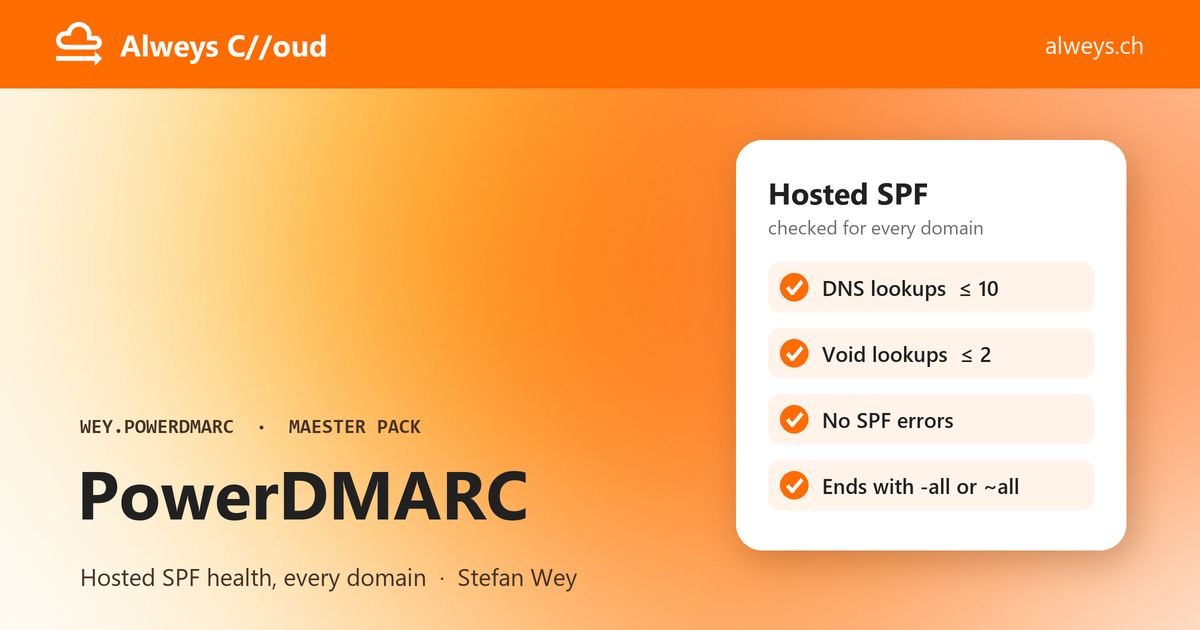
| MP.WEY.POWERDMARC.1001 | One result per domain: the Hosted SPF (PowerSPF) record needs at most 10 DNS lookups and at most 2 void lookups, has no errors, and ends with -all or ~all. Domains without Hosted SPF are skipped |
Each domain gets its own result, MP.WEY.POWERDMARC.1001.<domain>. In Reseller mode each result has the field
Account, the customer account it belongs to, so the report groups and filters the domains by customer. A domain
that two customer accounts hold gets the account ID at the end: MP.WEY.POWERDMARC.1001.<domain>.<account ID>.
Change the limits in your maester-config.json, for every domain or for one, or leave a domain out:
{
  "TestSettings": [
    { "Id": "MP.WEY.POWERDMARC.1001", "Parameters": { "MaximumLookups": 8, "MaximumVoidLookups": 2, "RequireHardFail": true } },
    { "Id": "MP.WEY.POWERDMARC.1001.contoso.com", "Parameters": { "RequireHardFail": false } },
    { "Id": "MP.WEY.POWERDMARC.1001.contoso.onmicrosoft.com", "Enabled": false }
  ]
}
What the pack reaches
Uses in maester-pack.json declares it, and Install-MtPack shows it before installing:
- Service:
WEY.POWERDMARC.Api, the pack's own connector (connector/Connect-WeyDmarcPowerDmarc.ps1). - Module: PowerDMARC 0.1.1 from the PowerShell Gallery, saved and pinned by Maester at install.
- Network:
*.powerdmarc.com, through the module. The module sends onlyGETrequests. - Tenant writes and Graph scopes: none.
Develop
Check the pack and run its tests from this folder:
Test-MtPack .
Invoke-MtTest -Path .
check-pack.yml does the same on every push and pull request. Write what
changed under ## Unreleased in CHANGELOG.md and raise Version in maester-pack.json.
A test is a Maester native test: see Writing native tests and Writing a pack.
Files
| Path | What it is |
|---|---|
maester-pack.json |
The manifest: ID, code, version, the suite, helpers, the connector and what the pack uses |
tests/ |
The suite: suite.json, and one Test.<ID>.ps1 and Test.<ID>.md per test |
helpers/ |
Functions the tests call: Get-WEYDmarcDomain lists the domains in scope with their customer account, and Connect-WEYDmarcPowerDmarcModule connects the loaded PowerDMARC module |
connector/ |
Connect-, Test- and Disconnect-WEYDmarcPowerDmarc for the PowerDMARC API |
assets/banner.png |
The image the pack index shows when it features the pack |
Security issues: see the security policy.
About
Made by Stefan Wey, trainer and solution engineer at Alweys C//oud, who writes there about Microsoft 365 mail security, identity and collaboration. Also by Alweys C//oud: the PowerDMARC PowerShell module this pack uses.