 Maester
PowerDMARC
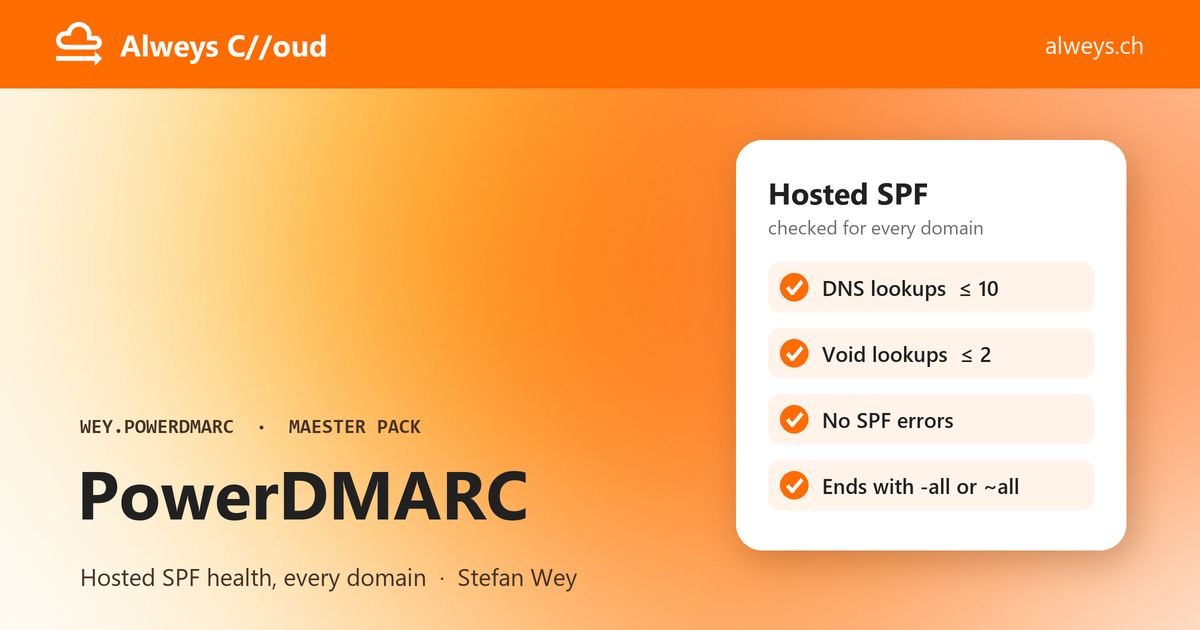
Checks the email authentication that PowerDMARC manages for your domains, starting with Hosted SPF (PowerSPF): DNS lookups, void lookups, errors and the all mechanism. Reads through the PowerDMARC API and changes nothing. By Alweys C//oud (alweys.ch).
Risk: Medium
The scan found things a reviewer should read before installing.
Scanned 17 Nov 2026 at commit 4a6a755. Digest sha256:aa8e47ce455cb5c1d3a90fed2bca10c1ed8c7ba03ac0a711464ad69f3c5f1c90.
Pin this version
Add this entry to maester-packs.lock.json so Maester installs exactly the commit that was scanned.
maester-packs.lock.json entry
{ "Id": "weycc81.powerdmarc", "Source": "weyCC81/ch.alweys.maester-pack-wey/powerdmarc", "Version": "2.0.0", "Commit": "4a6a755203affd305c073bf1a6f29802682412ea", "Digest": "sha256:aa8e47ce455cb5c1d3a90fed2bca10c1ed8c7ba03ac0a711464ad69f3c5f1c90"}What it reaches
- Services
- WEY.POWERDMARC.Api
- Microsoft Graph scopes
- None
- Tenant writes
- None
- Network hosts
- *.powerdmarc.com
- PowerShell modules
- PowerDMARC 0.1.1
Scan findings
| Severity | Finding | Where |
|---|---|---|
| Medium | Dependencies The pack uses 1 PowerShell Gallery module(s): PowerDMARC 0.1.1. |
Install
Install-MtPack weyCC81/ch.alweys.maester-pack-wey/powerdmarcAssumes Maester is installed. New to Maester? Get started.
Next: connect and run
Connect
Connect-Maester -Service WEY.POWERDMARC.Api -ServiceSetting @{ ApiToken = (Read-Host -AsSecureString 'PowerDMARC token') }Connect-Maester -Service WEY.POWERDMARC.Api -ServiceSetting @{ ApiToken = (Read-Host -AsSecureString 'PowerDMARC token'); Mode = 'Reseller'; BaseUri = 'reseller.powerdmarc.com' } Run
Invoke-Maester -Pack WEY.POWERDMARC -SkipBuiltIn