 Maester
MP.WEY.POWERDMARC.1001 PowerDMARC: Hosted SPF of every domain is healthy
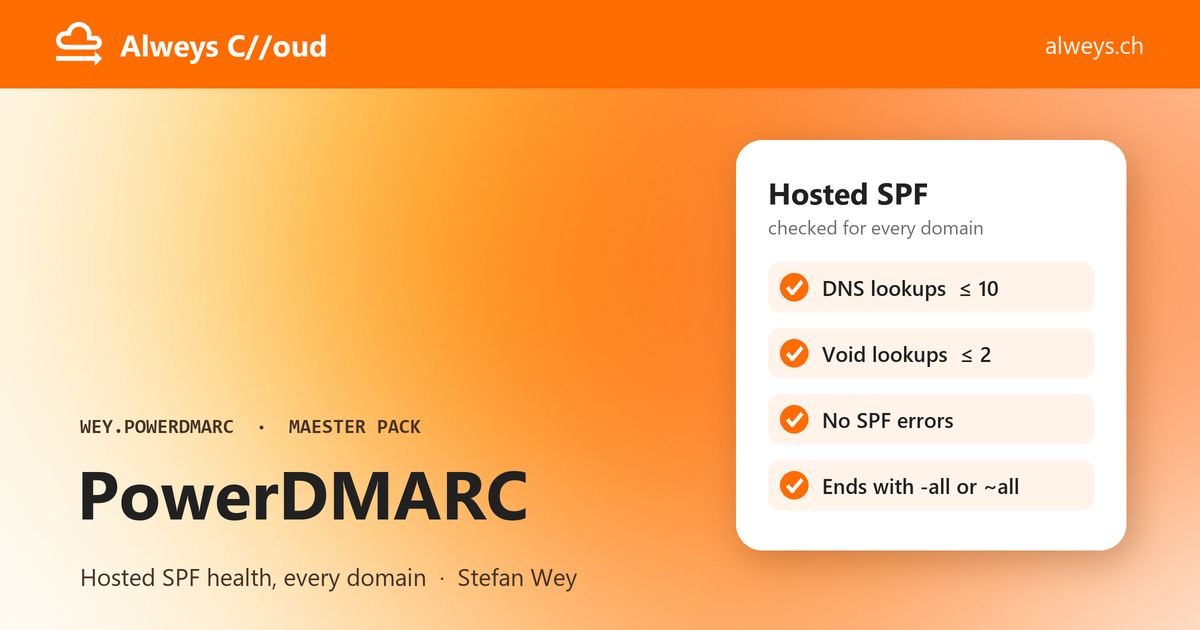
Each domain in PowerDMARC that uses Hosted SPF (PowerSPF) should publish an SPF record that receivers can evaluate without errors. The test gives one result per domain and checks the record that PowerDMARC hosts for it:
- DNS lookups: SPF allows at most 10 DNS lookups (RFC 7208, section 4.6.4). A record above the limit
returns
permerror, and receivers treat the mail as if there were no SPF at all. - Void lookups: lookups that return no answer. RFC 7208 recommends failing after 2.
- Errors: the errors PowerDMARC reports for the record, such as a syntax error or an include that does not resolve.
- All mechanism: the record ends with
-all(hard fail) or~all(soft fail), not?allor+all, so mail from servers that are not listed does not pass SPF.
Warnings that PowerDMARC reports are listed but do not fail the test. Domains without Hosted SPF, or with Hosted SPF turned off, are skipped.
Each result's ID ends with the domain name, such as MP.WEY.POWERDMARC.1001.contoso.com, so a single domain can be
excluded or given its own limits in maester-config.json. In Reseller (MSSP) mode each result has the field
Account, the customer account the domain belongs to, which the report groups and filters by. A domain that two
customer accounts hold gets the account ID at the end of its ID, such as MP.WEY.POWERDMARC.1001.contoso.com.42.
Connect first:
Connect-Maester -Service WEY.POWERDMARC.Api -ServiceSetting @{ ApiToken = (Read-Host -AsSecureString 'PowerDMARC token') }
The limits are settings, so each tenant can set its own in maester-config.json:
{
  "TestSettings": [
    { "Id": "MP.WEY.POWERDMARC.1001", "Parameters": { "MaximumLookups": 8, "RequireHardFail": true } }
  ]
}
Remediation action
- In PowerDMARC, open PowerSPF (Hosted SPF) for the domain.
- Fix the errors listed below, for example remove an include that no longer resolves.
- Too many lookups: turn on SPF flattening (or macro-based optimisation), or remove senders the domain no longer uses.
- Set the record to end with
-allonce every sender is listed (~allwhile you are still checking). - Make sure the domain's DNS publishes the record PowerDMARC shows, with the PowerSPF include.
See Hosted SPF and RFC 7208.
%TestResult%